Inquiry & Booking
Capture public and internal inquiries, qualify the opportunity, hold dates, negotiate the commercial deal and execute the contract.
 TandemOSThe operating system for live venues.
The booking does not disappear when the event is confirmed. The contract does not get rebuilt at settlement. Every department works from the same event record and every financial source follows it through closeout.
Sales & Booking, event operations, workforce, communications, finance, reporting, documents, client access and recaps are the shared core. Optional products connect deeper venue functions to that record.
Capture public and internal inquiries, qualify the opportunity, hold dates, negotiate the commercial deal and execute the contract.
Carry the booking into one live event record for contacts, documents, schedules, department requirements, production and staffing.
Plan labor, publish shifts, assign managers, prepare spaces, equipment, credentials and guest-facing information.
Run staffing check-in, incidents, tasks and venue status from the same event. With bundles: scanning, parking, command and guest services.
Pull labor, fees, outside costs and deposits into event closeout. With bundles: tickets, parking, concessions, merch and catering too.
Close the event, capture department recaps, preserve signed settlement revisions and make the full operating history searchable.


No add-ons required.
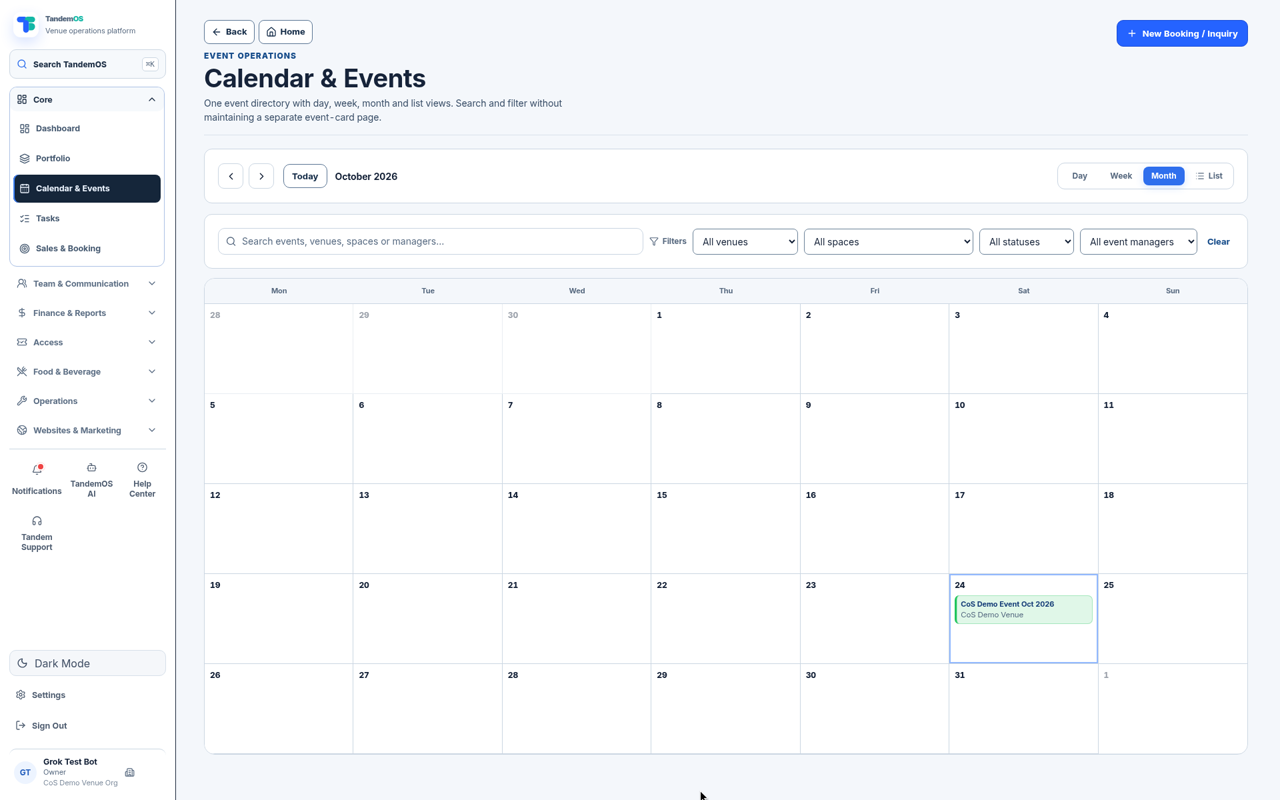
Inquiries, holds, availability and confirmed events for every venue and space.
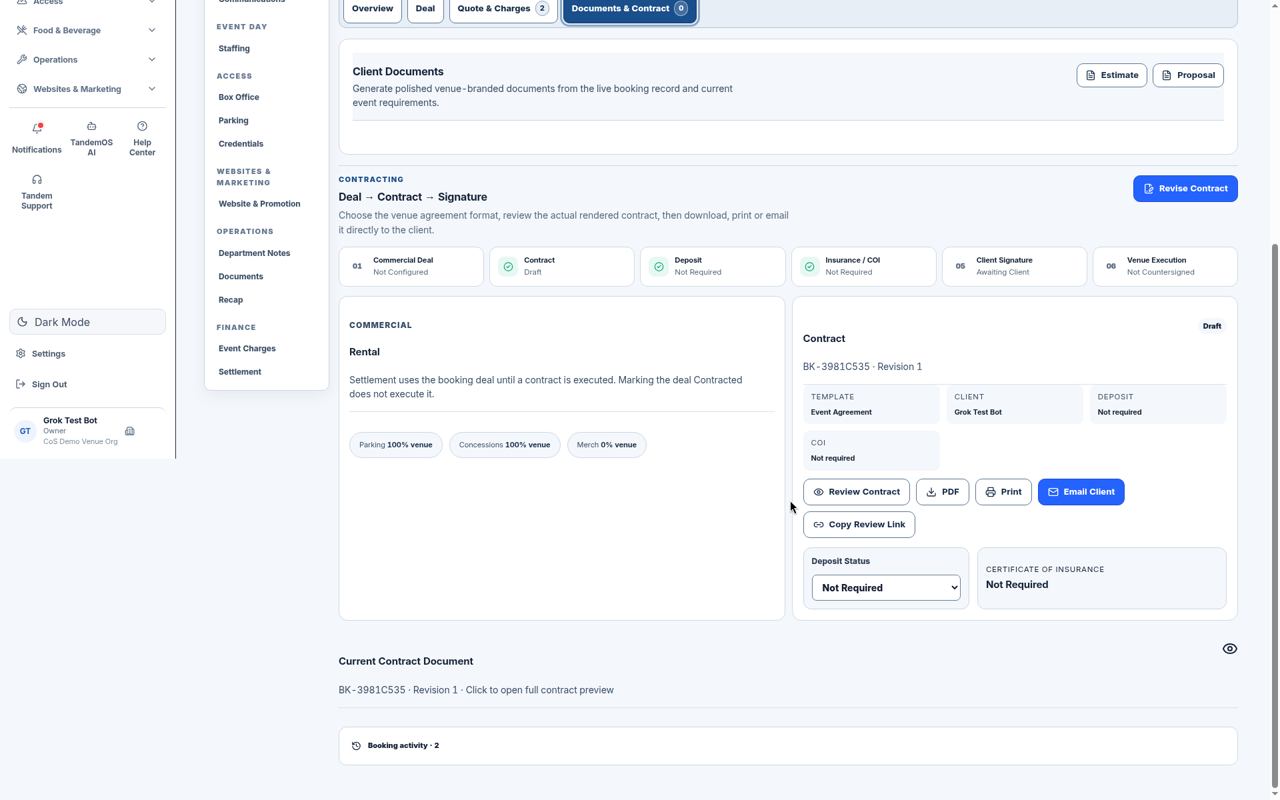
Send a proposal, collect a signature and keep the deal terms on the event.
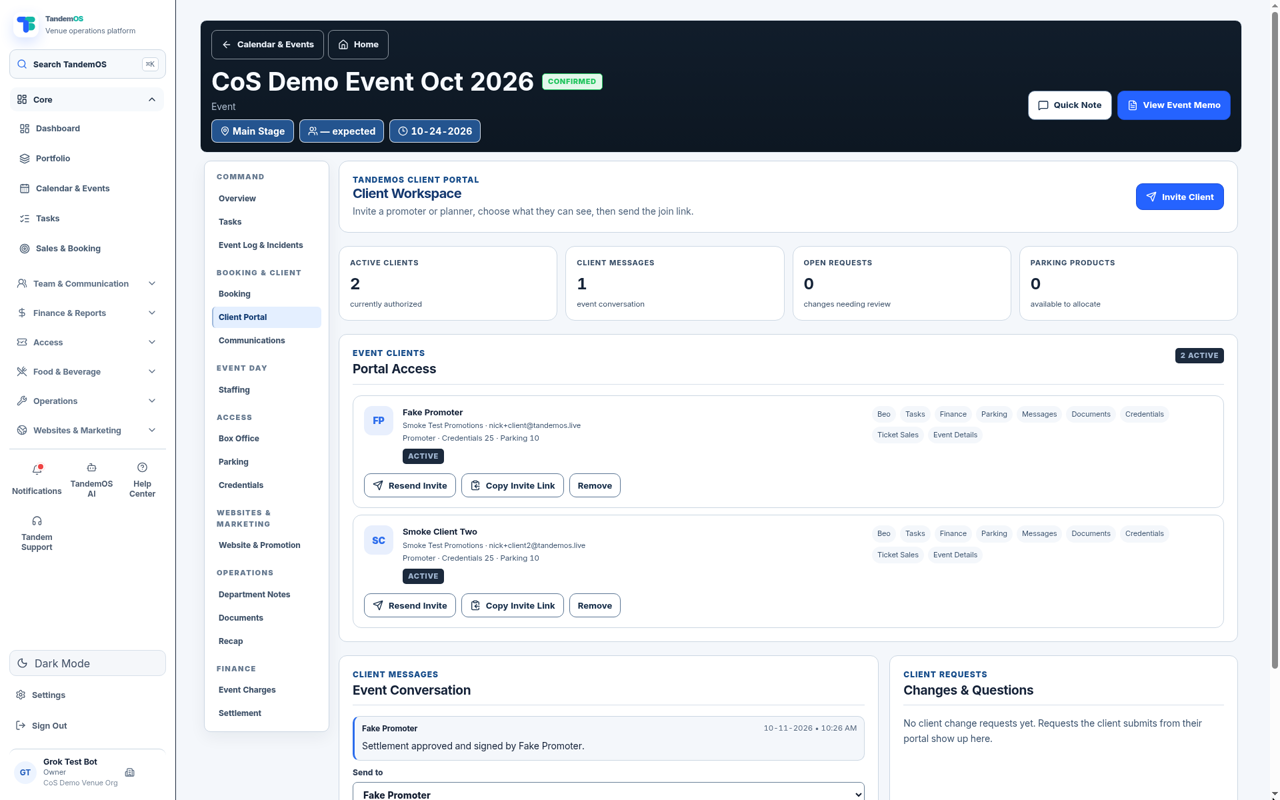
Promoters and clients see documents, schedules and messages for their event.
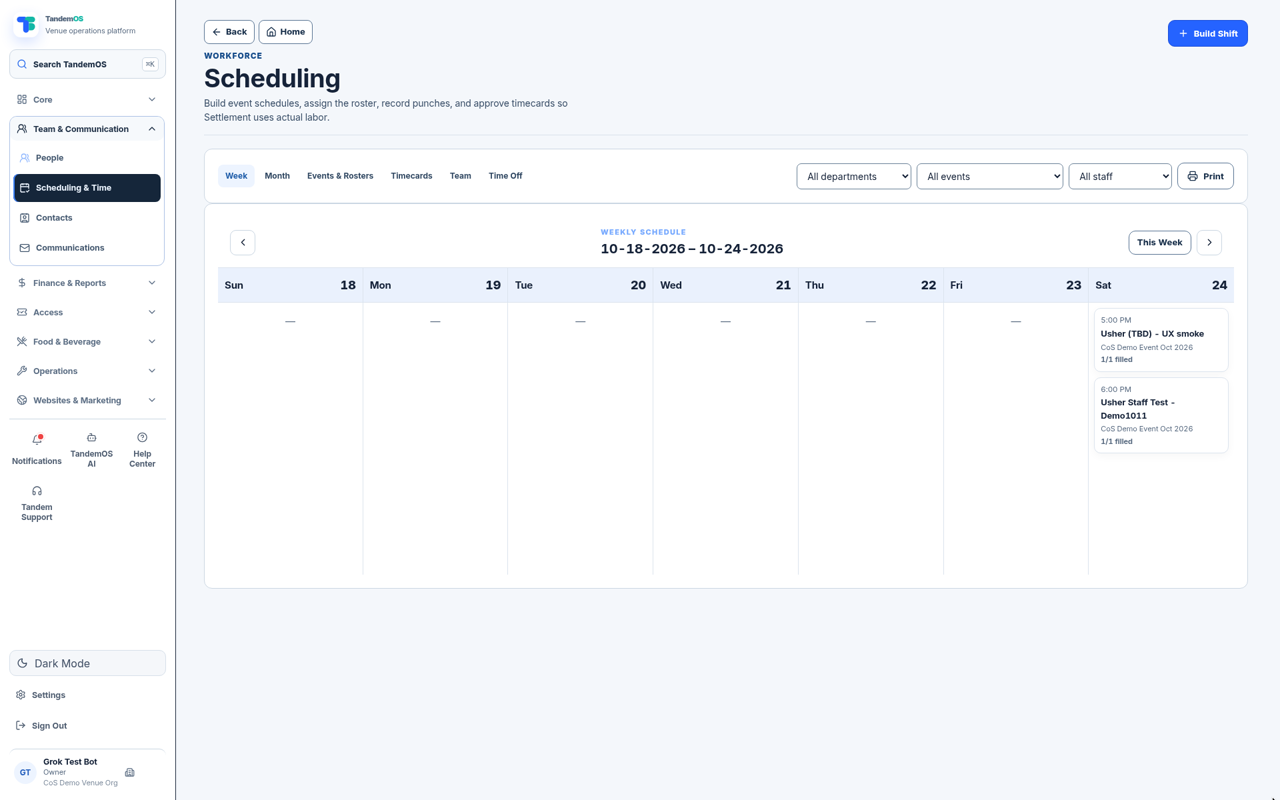
Shifts, coverage and phone clock-in for every department.
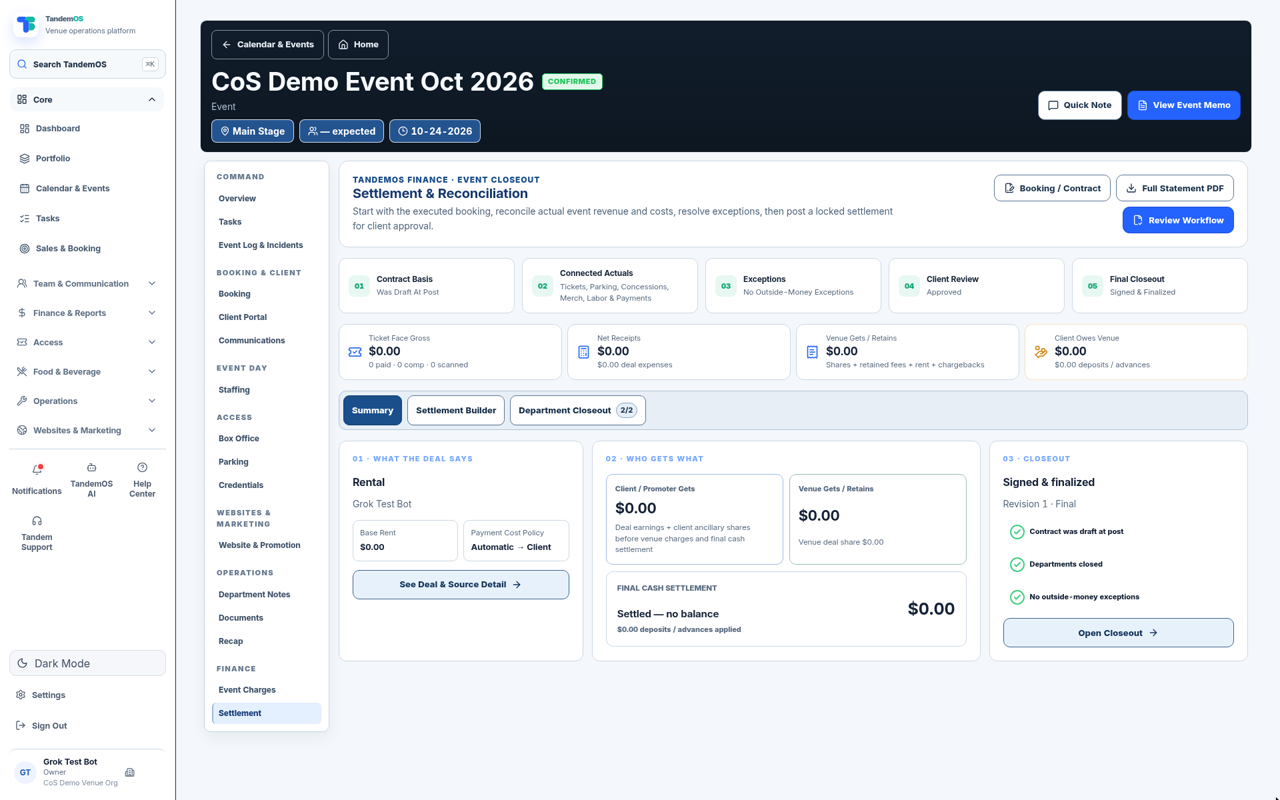
Revenue, labor and expenses against the booked deal, with a statement PDF.
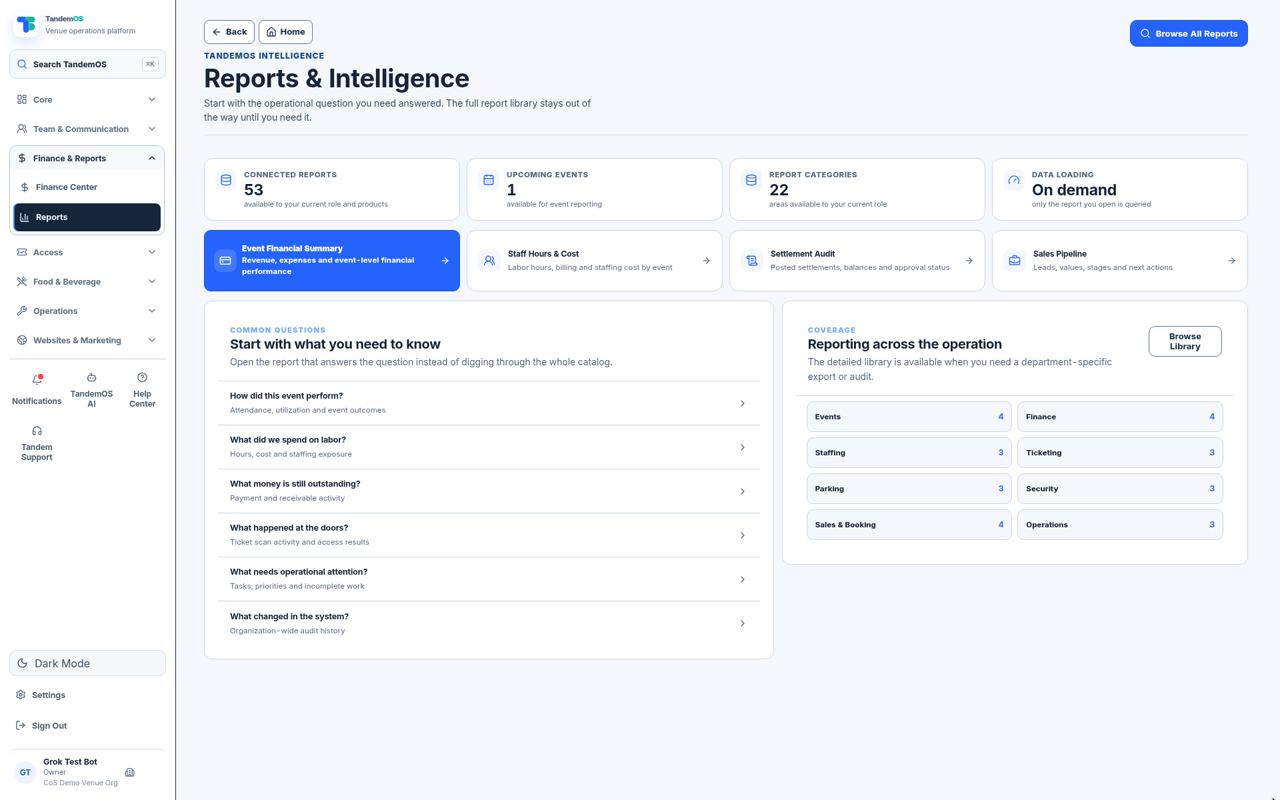
Event recaps and venue reports from the same data.
Instead of asking six departments for six spreadsheets, TandemOS gives managers current-state dashboards and drill-downs.
Illustrative product preview — sample figures.
Then let every connected product use the same people, dates, spaces, contracts, money and history.
No. Core runs the venue on its own: booking, calendar, staffing and timekeeping, client portal and e-sign, settlement and reports.
After the show, TandemOS adds up revenue, labor and expenses against the deal you booked, so the settlement statement is ready without rebuilding it in a spreadsheet.
Yes. The client portal shows them documents, schedules and messages for their event.